How to Change IP with TMProxy
How to Change IP with TMProxy
Why do you need to change your IP?
There are many reasons why people need to change their IP address, from personal and work purposes to security and overcoming geographical restrictions. Here are the main reasons:
- Security and Privacy: Anonymity, protection from cyberattacks, security when using public Wi-Fi, avoiding ad tracking, etc.
- Improved Speed and Performance: Reduced latency (ping), avoiding bandwidth throttling, etc.
- Work and Research Purposes: SEO, market research, network administration, web/app development, creating multiple accounts, etc.
- Troubleshooting Connection Issues: Blocked IP, IP conflict, refreshing dynamic IP
How to change IP with Chrome
Used to set up, automatically change, and configure proxies for individual windows on the Chrome browser
How to change IP with Firefox
Used to set up, automatically change, and configure proxies for individual windows on the Firefox browser
How to change IP on mobile phones
Set up proxy for Android emulator software or Android phones on PC.
Set up proxy for phones or tablets using the IOS operating system.
Video tutorial on using TMProxy with Android , IOS and emulators!
Tip!
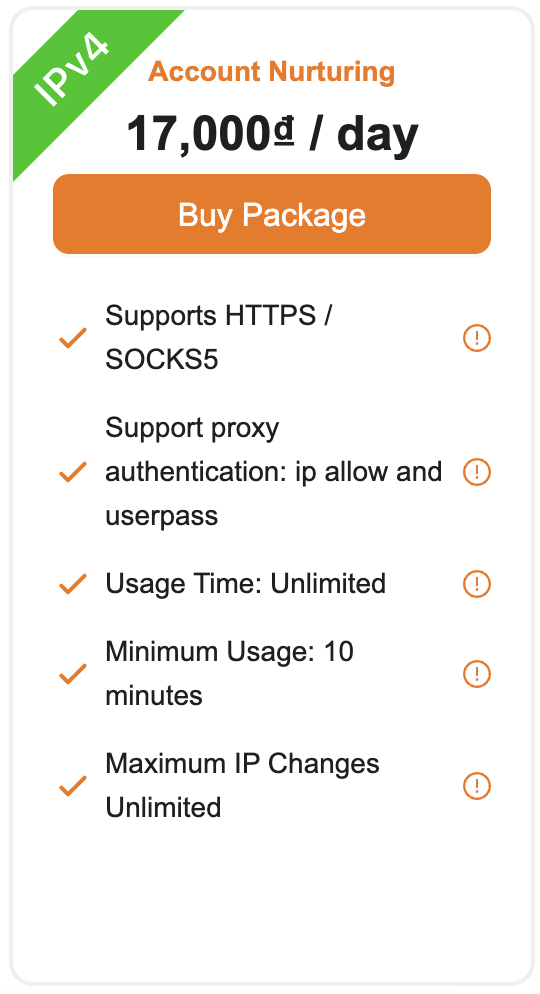
If customers need to use the IP for a longer period, choose TMProxy’s “Account Nurturing” package.